

Close a team, and what happens to everyone’s hours
A team is closed by cancelling its subscription, which only the Owner can do. This is how, what the Team page says before and after, and what happens to everyone's hours.
- Who can do this
- The Owner
- What you need first
- Nothing. The team runs until the end of the period already paid for.
- How long it takes
- About 3 minutes
Step 1: Open your Team page
In the app, under Your Timesheets, press Team page, the last item. On a phone it is in the list Hours opens, or under More. On the website, signed in, Team is at the top of the page or in its menu.
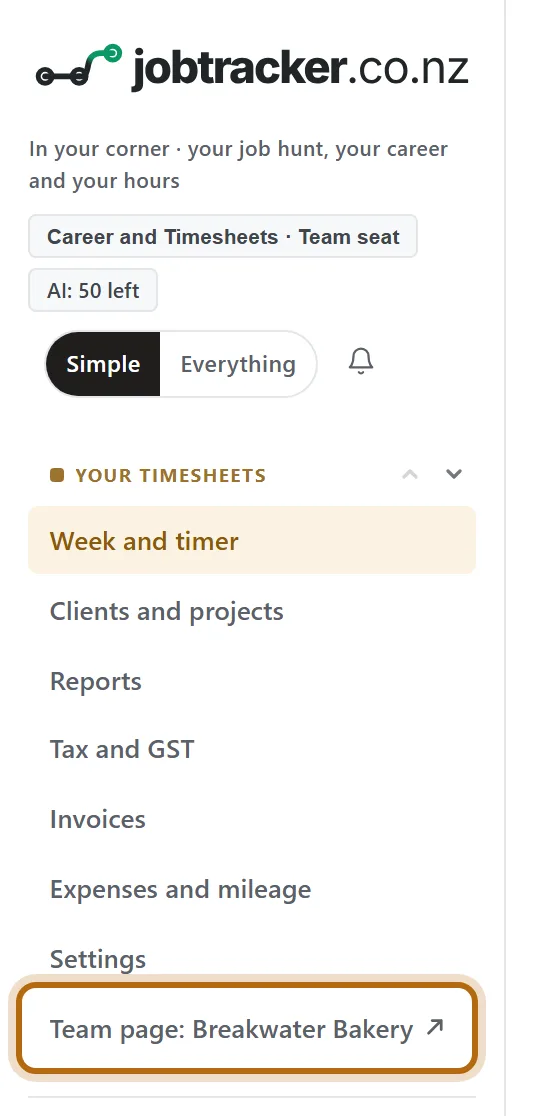
In each picture, the thing to press or read has a ring around it. Tap a picture to see it full size.
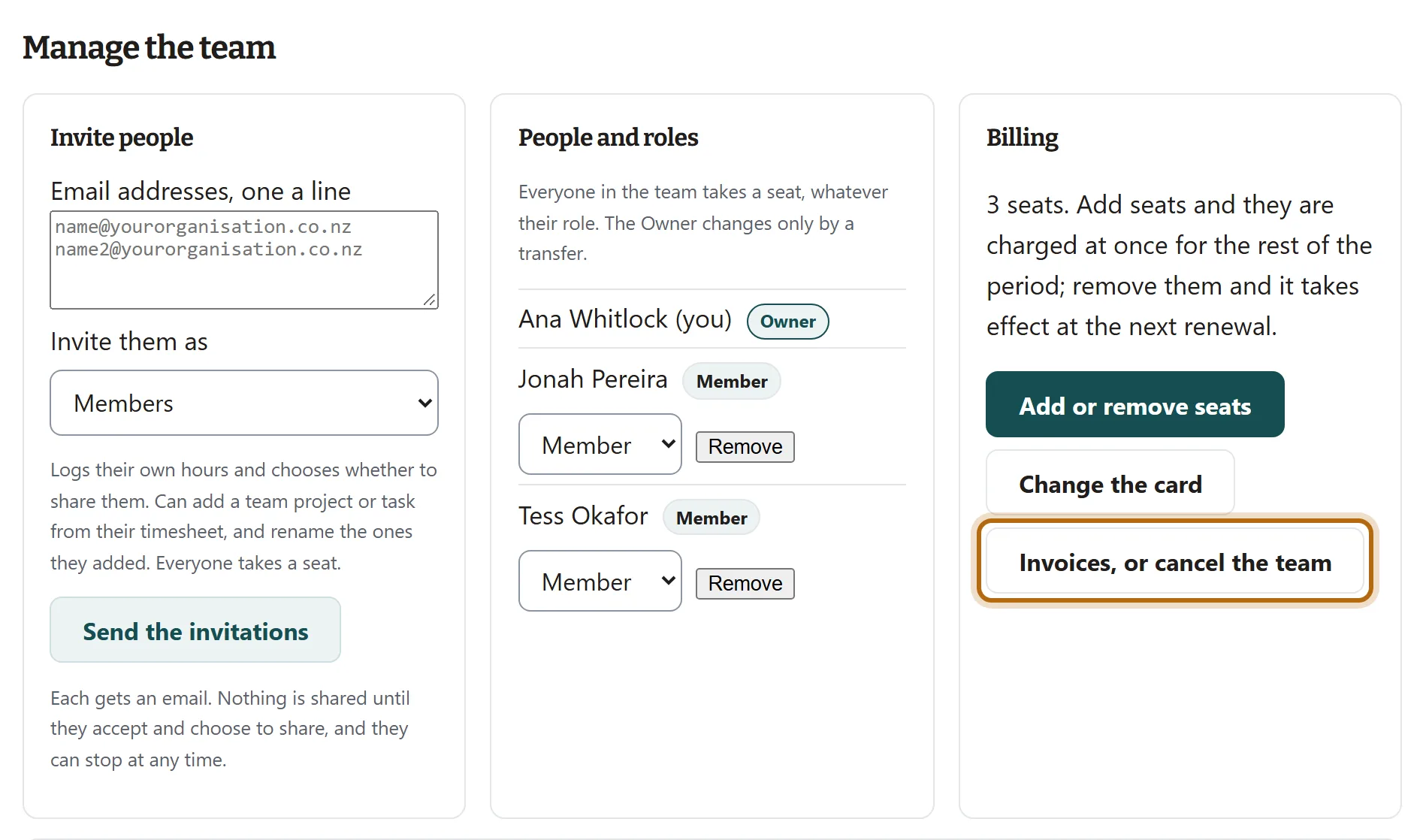
Step 2: Under Billing, press Invoices, or cancel the team
Billing is under Manage the team, near the bottom of the page. Only the Owner has its buttons.
Step 3: Cancel on Stripe's page
The button takes you to Stripe, which holds the team's card and invoices. That page is Stripe's, not ours, so there is no picture of it here. Cancel the team's subscription there, then come back to your Team page.
Step 4: The Team page now says when the team ends
Under the team's name, renews has become ends, with the last day of the period you have paid for. Until then nothing changes: people log, share and approve as before.

Step 5: On that day, the team ends
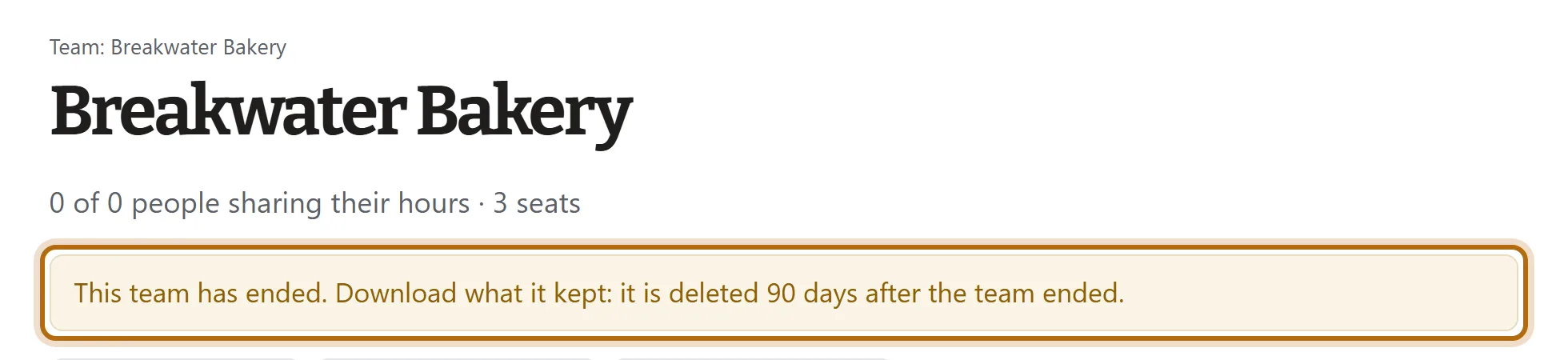
The Team page says This team has ended. Nobody is in it any more, and nobody is sharing. Everyone who held a role, the Owner, Admins and Approvers, can still open this page.
Step 6: What the team kept
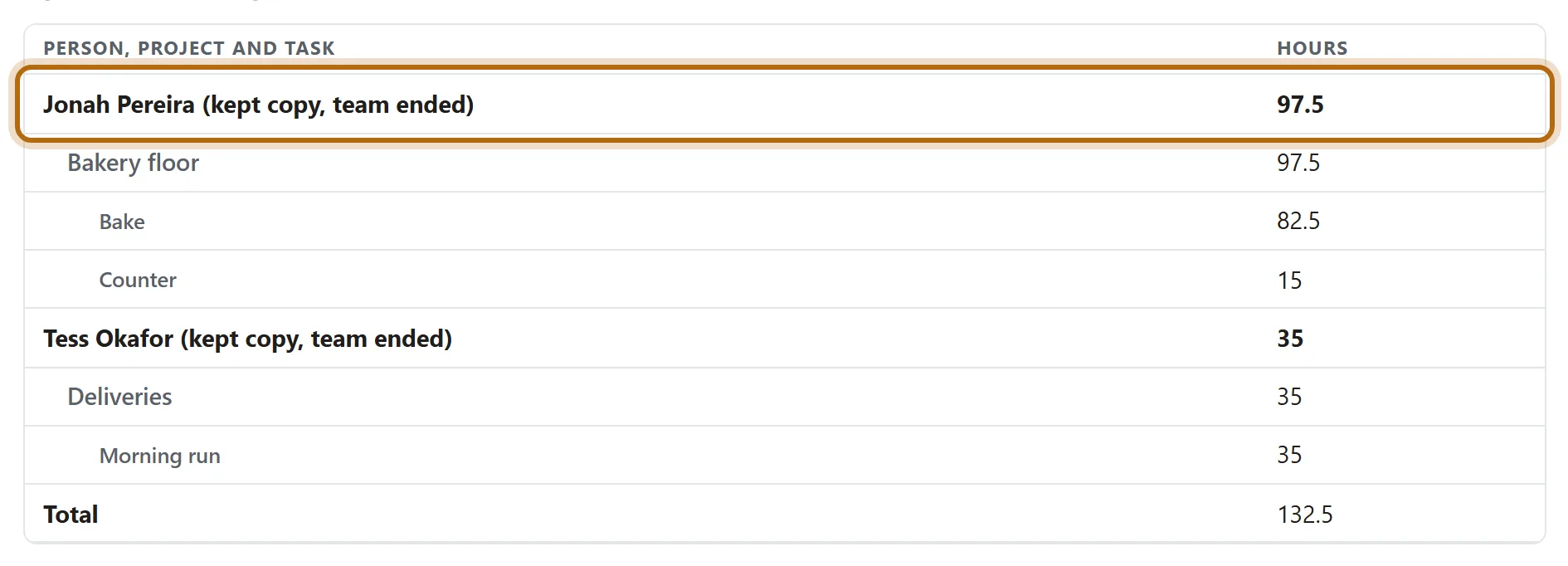
Each person's shared hours are frozen as they stood, marked kept copy, team ended: the days, times, hours, project and task. Never notes.
Step 7: Download it within 90 days
Choose a Period, or Dates you choose for up to a year at a time, and press Show. Then press Download a CSV or Save the team PDF.

Step 8: What each person sees
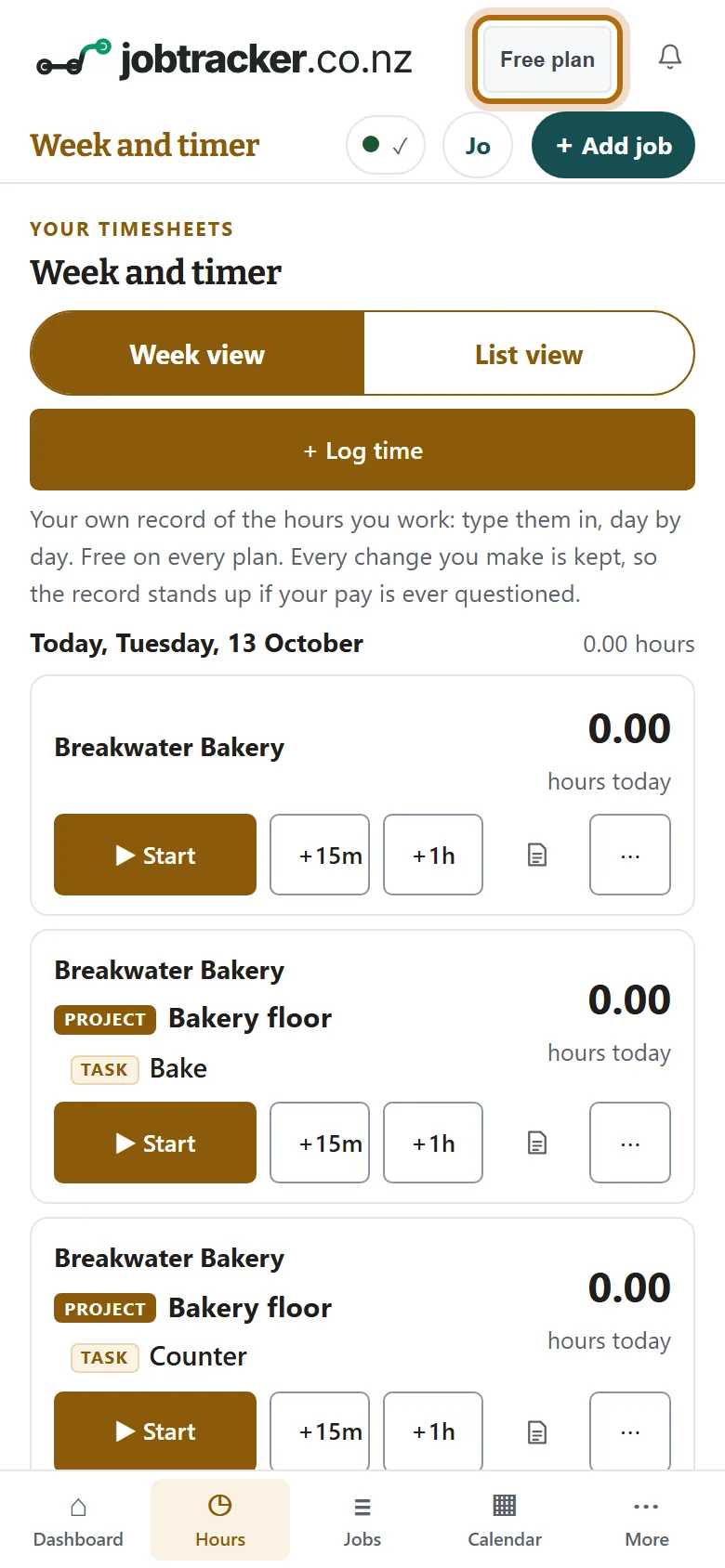
Their app says Free plan where it said Team seat. Their place and its projects are still there, with every hour they logged and their notes. Logging stays free.
What happens next
- Seats: every seat ends with the team. A person with a plan of their own keeps that plan.
- Each person's hours: theirs, in their own account. The team's projects in their timesheet become their own.
- The team's copy: hours only, read-only, for 90 days after the team ended. Then the team and everything it kept is deleted: the copies, its clients, invoices to clients, sign-off records and client links.
- Who is told: we do not email your people when the team ends, so tell them the date yourself.
If it doesn't look like this
There is no Invoices, or cancel the team button
You are not the Owner. The Billing box names who is: only they can cancel.
It still says renews
The page shows what Stripe has told us. Load it again. If it has not changed, the cancellation was not finished on Stripe's page.
You only want to pay for fewer seats
Use Add or remove seats instead. A team has at least 3 seats, and removing seats takes effect at the next renewal.
The ended page still shows Invite people
The boxes under Manage the team stay on the page, but an ended team accepts no invitations and no role changes.
From jobtracker.co.nz/how-to/team/close-a-team · Screens checked 13 October 2026