

Limit an Approver to certain projects
An Approver starts out seeing and approving everybody's time but their own. This is how to narrow one Approver to the projects they look after, and how to lift the limit again.
- Who can do this
- The Owner or Admin
- What you need first
- At least one Approver in your team, and the team projects you want to limit them to.
- How long it takes
- About 2 minutes
Step 1: Open your Team page
In the app, under Your Timesheets, press Team page, the last item. On a phone it is in the list Hours opens, or under More. On the website, signed in, Team is at the top of the page or in its menu.
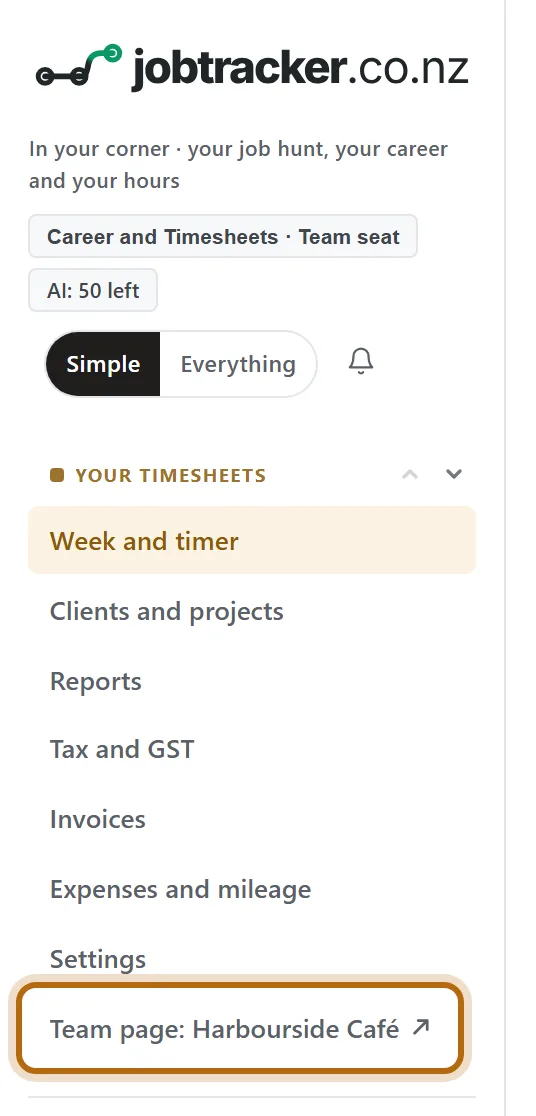
In each picture, the thing to press or read has a ring around it. Tap a picture to see it full size.
Step 2: Press Approvals
Near the top, press Approvals. The limits are kept on that page, whether or not your team has approvals turned on.

Step 3: Go down to What each Approver approves
It is below the waiting periods. Each Approver has a line, with a tick box for every team project. With nothing ticked, an Approver approves everybody's time but their own.
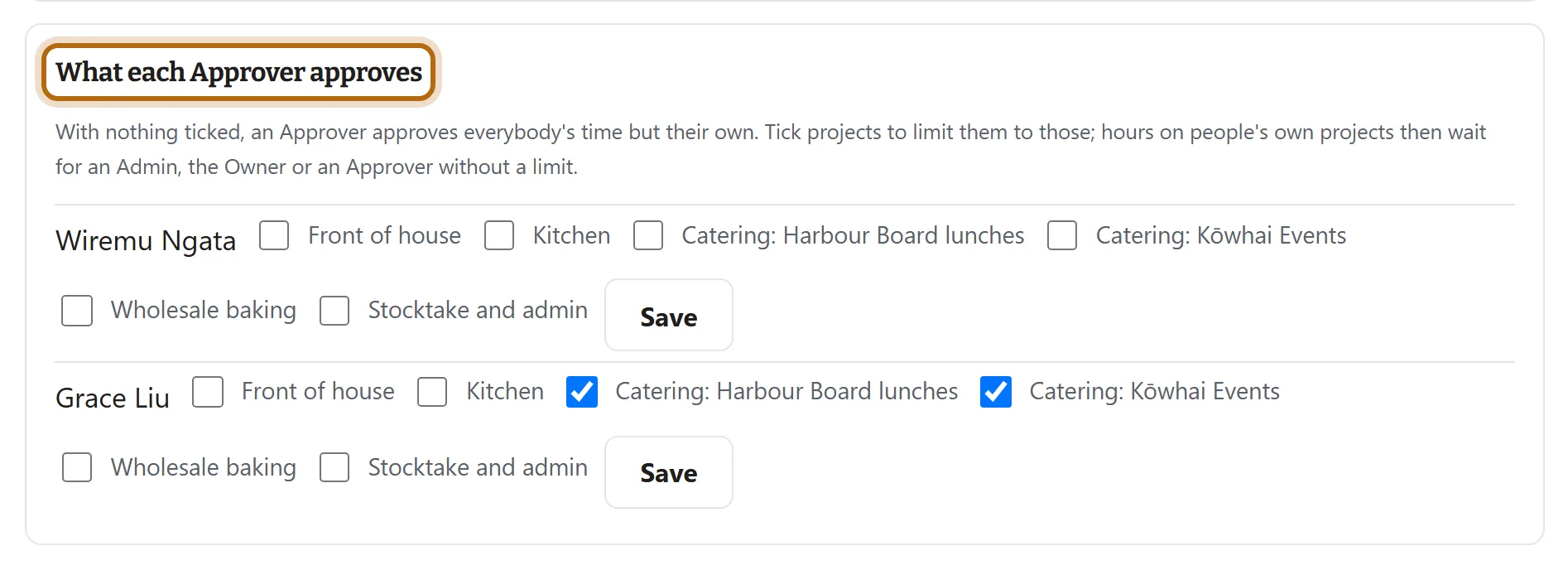
Step 4: Tick the projects this Approver looks after
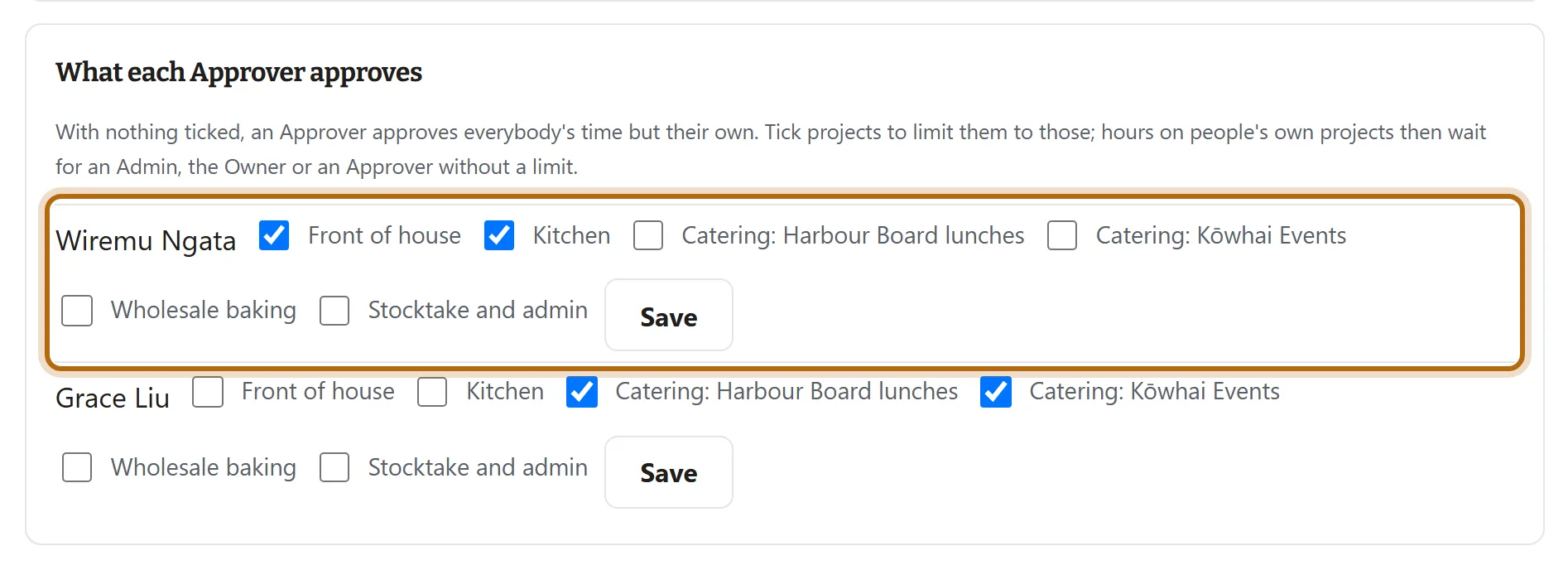
Tick one or more projects on the Approver's own line. Here Wiremu is limited to Front of house and Kitchen. Nothing is saved yet.
Step 5: Press Save on that line
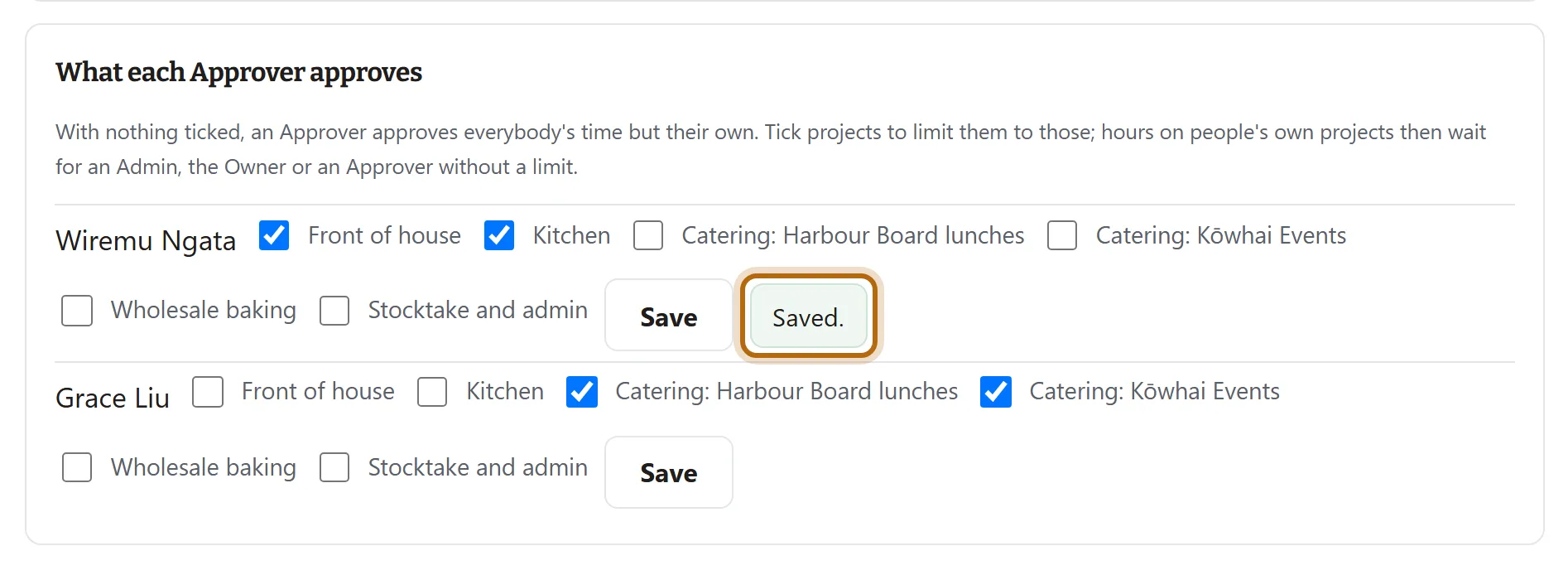
Each Approver has their own Save. The line says Saved. and the limit applies from that moment.
Step 6: What the Approver sees on their Team page
A line near the top names their projects, and says an Admin limited you to those projects. Every figure on their Team page now counts those projects' hours only.

Step 7: What changes when they approve
On their Approvals page, each period shows only their projects' entries and hours. Approve approves that part, and the page says Your projects are approved, and that the rest of the period waits for another Approver.

Step 8: To lift the limit, untick every project and press Save
With nothing ticked on their line, the Approver is back to everybody's time but their own.
What happens next
- The limit covers everything the Approver sees: the Team page, each person's week, the CSV, the team PDF and the reports show only those projects' hours.
- Nothing is left unapproved by accident. Hours on other projects wait for somebody else who can approve them, and hours on people's own projects wait for an Admin, the Owner or an Approver without a limit. A period is approved once every part of it is.
- Nobody is emailed. The Approver learns of the limit from the line on their Team page.
If it doesn't look like this
There is no box called What each Approver approves
Nobody in your team is an Approver yet. Give somebody the role first: see Make someone an Admin or an Approver. An Approver never sees this box; only the Owner and Admins do.
A project is not in the list
Archived projects are left out, and so are projects people made for themselves. Only the team's own projects can be ticked.
The Owner or an Admin has no line
Limits are for Approvers. The Owner and Admins approve everybody's time but their own.
From jobtracker.co.nz/how-to/team/limit-an-approver-to-projects · Screens checked 13 October 2026